Using the clipboard
The clipboard is a useful feature that allows you to collect assets from various different areas of a module into a single view to perform bulk actions (i.e. batch approvals across deliverables or different folders from within a project)
How to use the clipboard
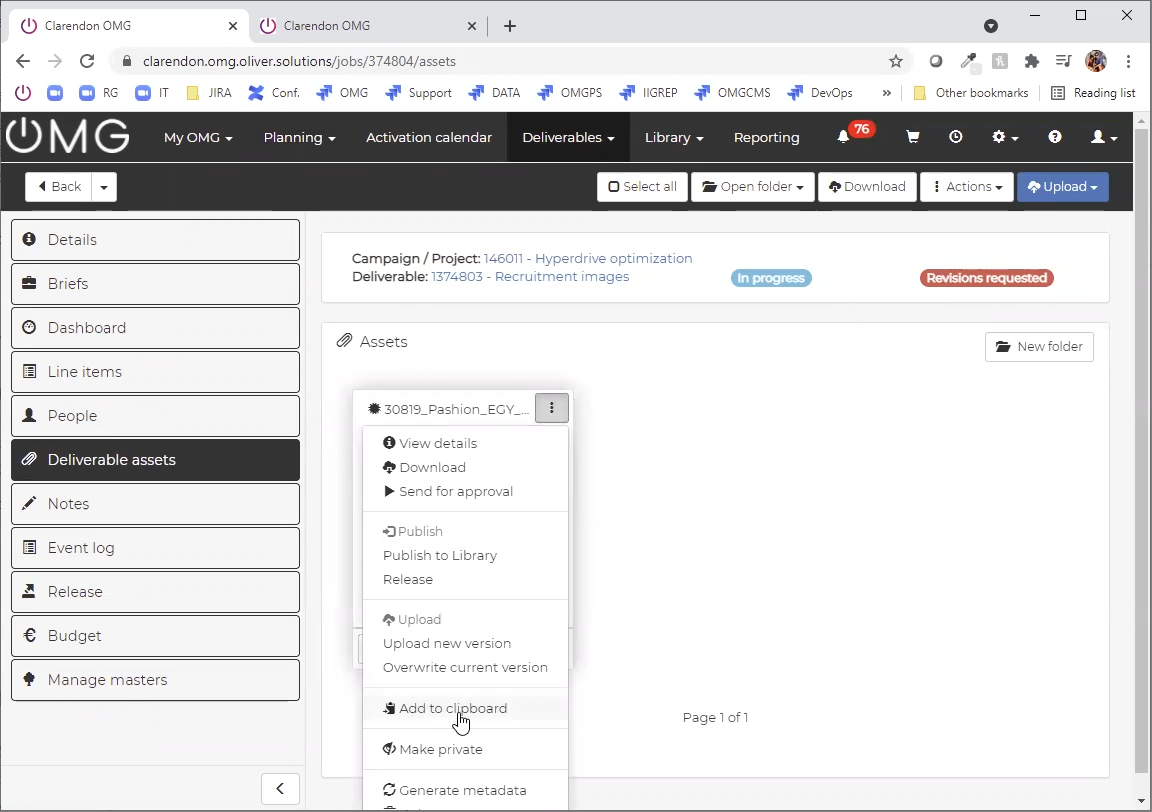
Simply locate the asset(s) you want to add to your clipboard, select one or many from the gallery view and Add to the clipboard.
You can add an asset at a time, or you can select the assets and used the bulk action under the Actions menu.
Once you have added all the assets, open your clipboard under My OMG, select the area where you assets were added from (eg Deliverables) and then perform the bulk actions.