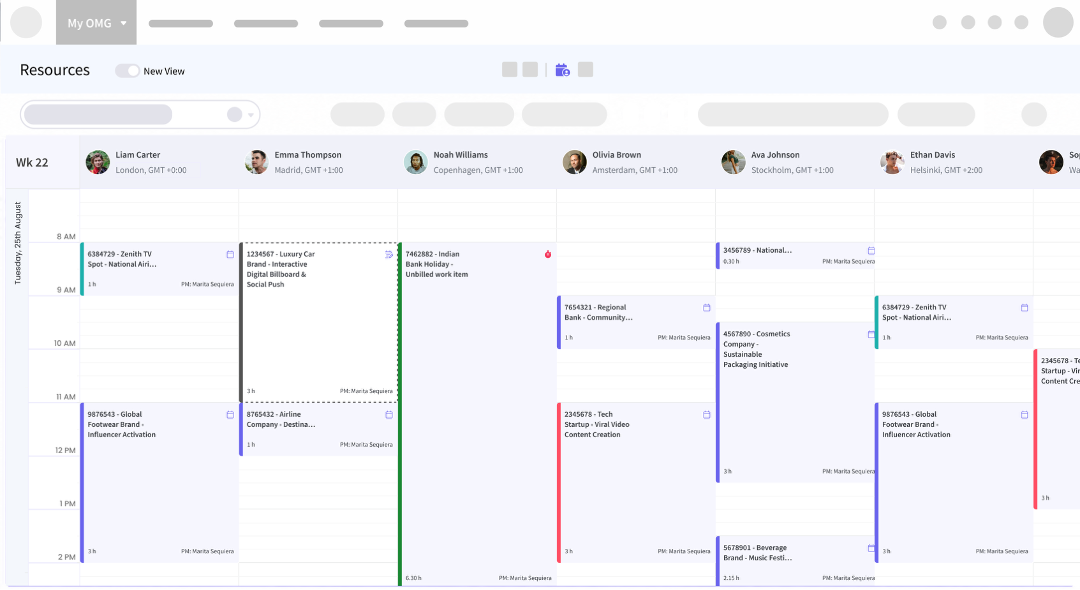
My Resources Walkthrough
1. Investigate the setup and configuration process for the Figma MCP server
Setup is simple and takes about 5 minutes per developer. No infrastructure is needed: Figma hosts the MCP server at https://mcp.figma.com/mcp, and the Claude Code VS Code extension connects to it over HTTPS with a one-time OAuth login.
1. Investigate the setup and configuration process for the Figma MCP server
Setup is simple and takes about 5 minutes per developer. No infrastructure is needed: Figma hosts the MCP server at https://mcp.figma.com/mcp, and the Claude Code VS Code extension connects to it over HTTPS with a one-time OAuth login.
1. Investigate the setup and configuration process for the Figma MCP server
Setup is simple and takes about 5 minutes per developer. No infrastructure is needed: Figma hosts the MCP server at https://mcp.figma.com/mcp, and the Claude Code VS Code extension connects to it over HTTPS with a one-time OAuth login.
1. Investigate the setup and configuration process for the Figma MCP server
Setup is simple and takes about 5 minutes per developer. No infrastructure is needed: Figma hosts the MCP server at https://mcp.figma.com/mcp, and the Claude Code VS Code extension connects to it over HTTPS with a one-time OAuth login.
1. Investigate the setup and configuration process for the Figma MCP server
Setup is simple and takes about 5 minutes per developer. No infrastructure is needed: Figma hosts the MCP server at https://mcp.figma.com/mcp, and the Claude Code VS Code extension connects to it over HTTPS with a one-time OAuth login.
1. Investigate the setup and configuration process for the Figma MCP server
Setup is simple and takes about 5 minutes per developer. No infrastructure is needed: Figma hosts the MCP server at https://mcp.figma.com/mcp, and the Claude Code VS Code extension connects to it over HTTPS with a one-time OAuth login.
1. Investigate the setup and configuration process for the Figma MCP server
Setup is simple and takes about 5 minutes per developer. No infrastructure is needed: Figma hosts the MCP server at https://mcp.figma.com/mcp, and the Claude Code VS Code extension connects to it over HTTPS with a one-time OAuth login.
1. Investigate the setup and configuration process for the Figma MCP server
Setup is simple and takes about 5 minutes per developer. No infrastructure is needed: Figma hosts the MCP server at https://mcp.figma.com/mcp, and the Claude Code VS Code extension connects to it over HTTPS with a one-time OAuth login.