
OMG Release notes - v7.180.0
This sprint focuses on improvements across the platform, making user experience and workflow smoother and more efficient. We’ve made interesting enhancements in Deliverables, Plans & Tasks, Slipstream and Library for ease in operations and enhanced efficiency.
Here's a summary of the key changes 🥳
Deliverables
More control, less clutter - your deliverables just got smarter! 😎
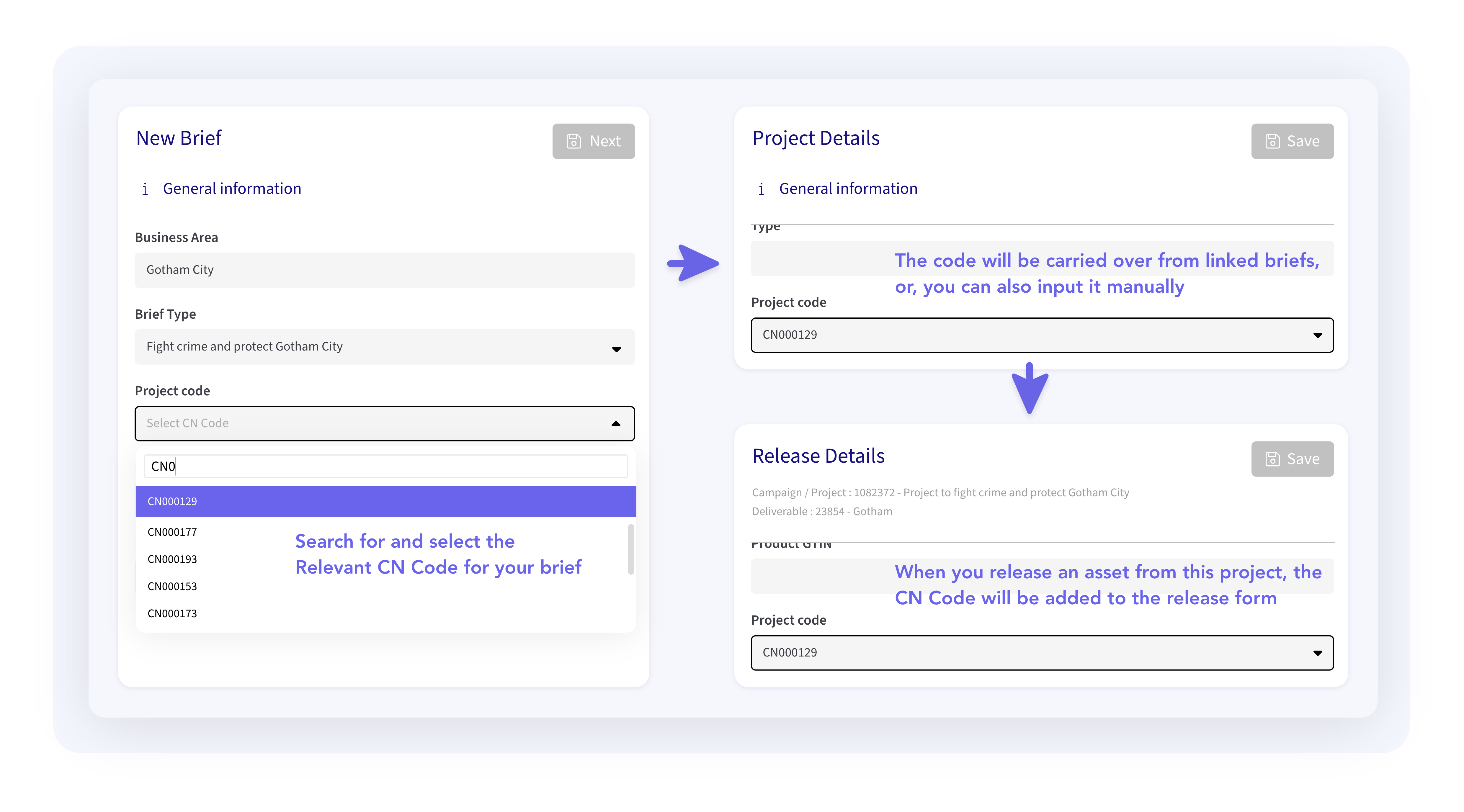
🔗 Introducing the “Project Code” field
You’ll now see a “Project Code” field in your deliverables. When you release assets from the clipboard, this field is auto-filled if the assets come from the same project. If they’re from different ones, we’ll give you a placeholder so you can enter the right code. It’s all about keeping things tidy and traceable.
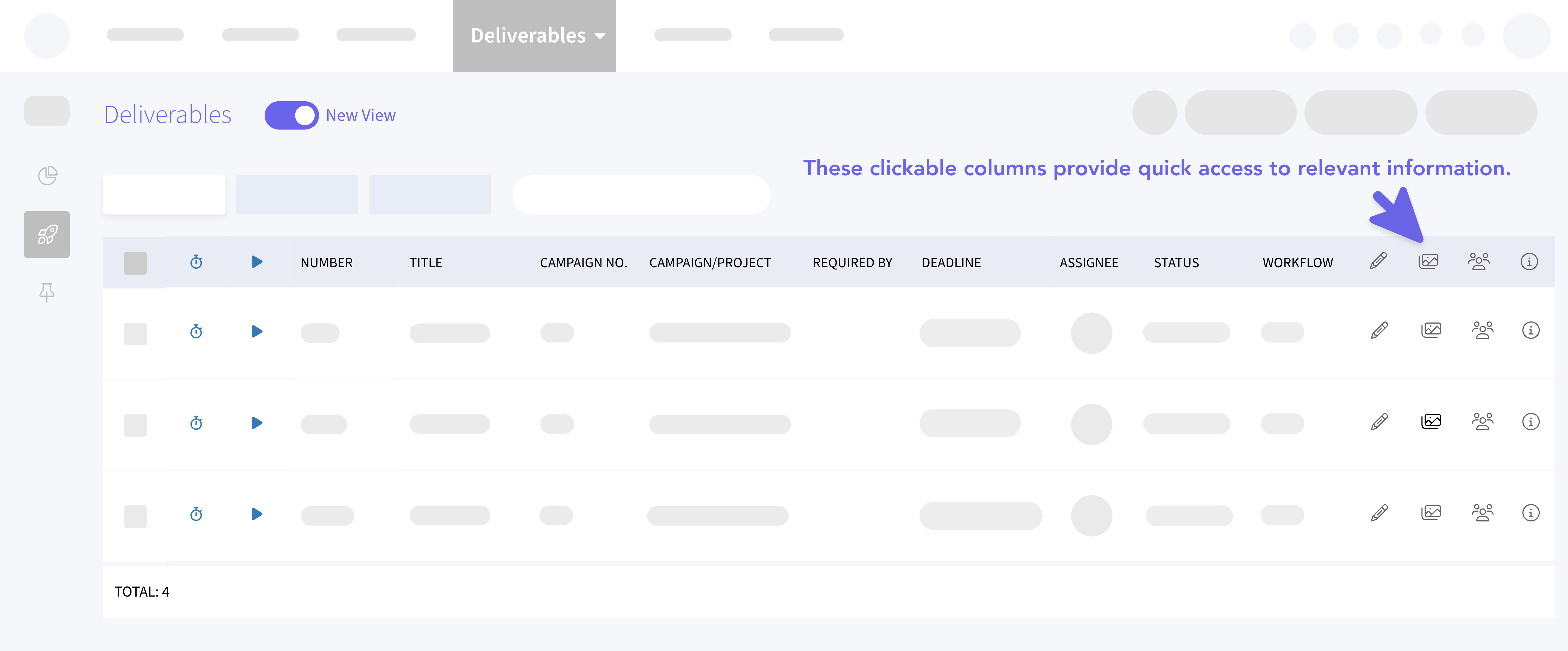
⚡️ Shortcut columns = fewer clicks
Three new icons have joined your deliverables list view to save you time:
P Jumps into Pencil (if set up)
👥 Takes you to the People tab
🗂️ Opens the Assets tab
Less clicking around, more doing.
🚫 No more approvals from inactive users.
Inactive client contacts will no longer be auto-added as approvers. That means cleaner workflows and no more chasing phantom approvals.
🔒 Locked means locked - no edits to finished projects
Deliverables inside completed projects are now locked for editing, with a clear message letting you know the project’s closed. No more accidental changes, no more rework.
Plans & Tasks
Smoother planning, better visibility, less setup 📅
📊 Gantt is the new default view
You’ll now land straight into the Gantt view when opening Plans & Tasks, giving you a clearer picture of project timelines and dependencies right away.
📝 Faster task creation
When you add a new task, it’s now placed at the bottom of the list, the title field is instantly editable, and the Owner column fills in automatically.
Bonus: there’s also a new editable “Risk” column, so you can flag concerns early.
📍 Easier milestone conversion
Need to mark a task as a milestone? Just set the start and end dates to the same value - simple as that. This helps keep your timelines tight and your milestones easy to spot.
Planning
Quick Create from anywhere 🥳
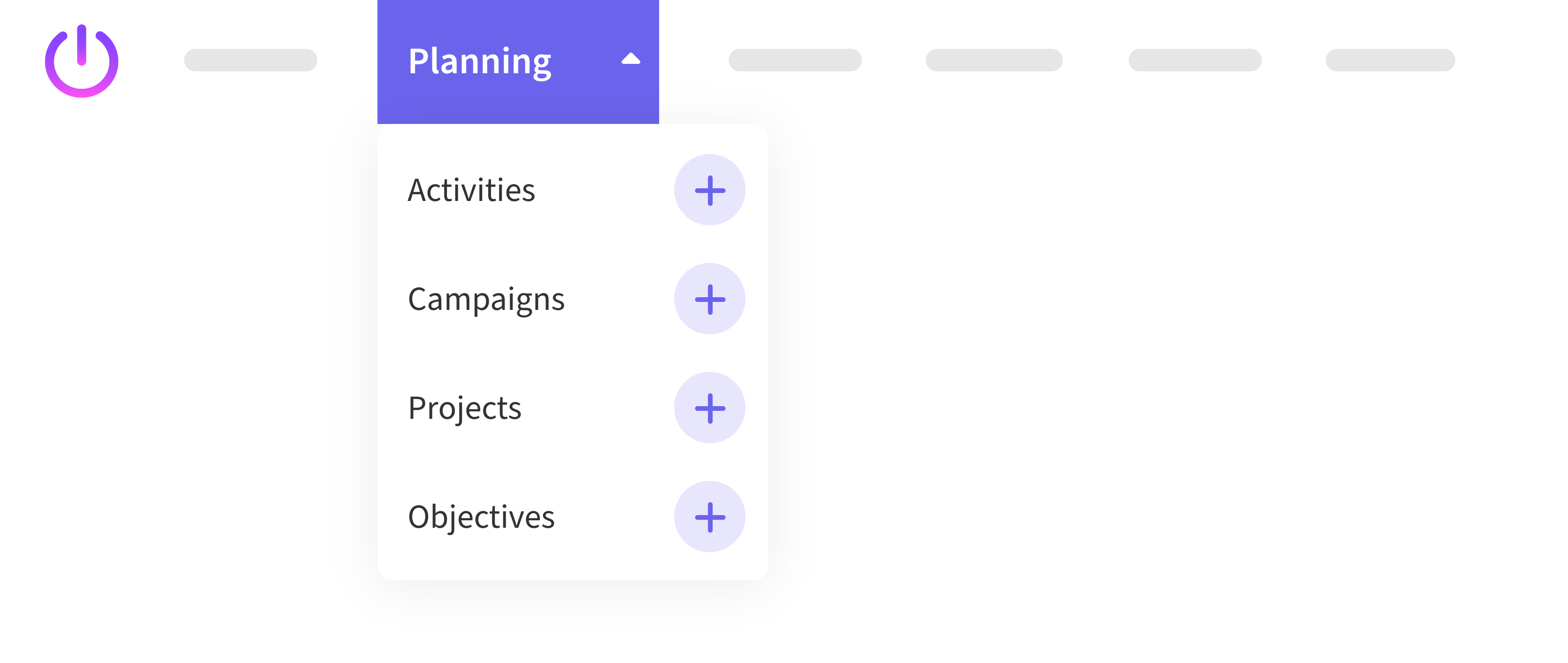
➕ Create what you need, right when you need it
New plus icons in the top navigation bar let you create Projects, Activities, and Campaigns on the fly. No need to dig around. Less time clicking, more time creating.
Slipstream Chatbot
Small tweaks, big difference 🤖
📋 Lists now behave
Ordered lists in markdown now stay perfectly formatted, even after refreshing the chatbot. Because formatting shouldn't be a fight.
🌄 Image upload, upgraded
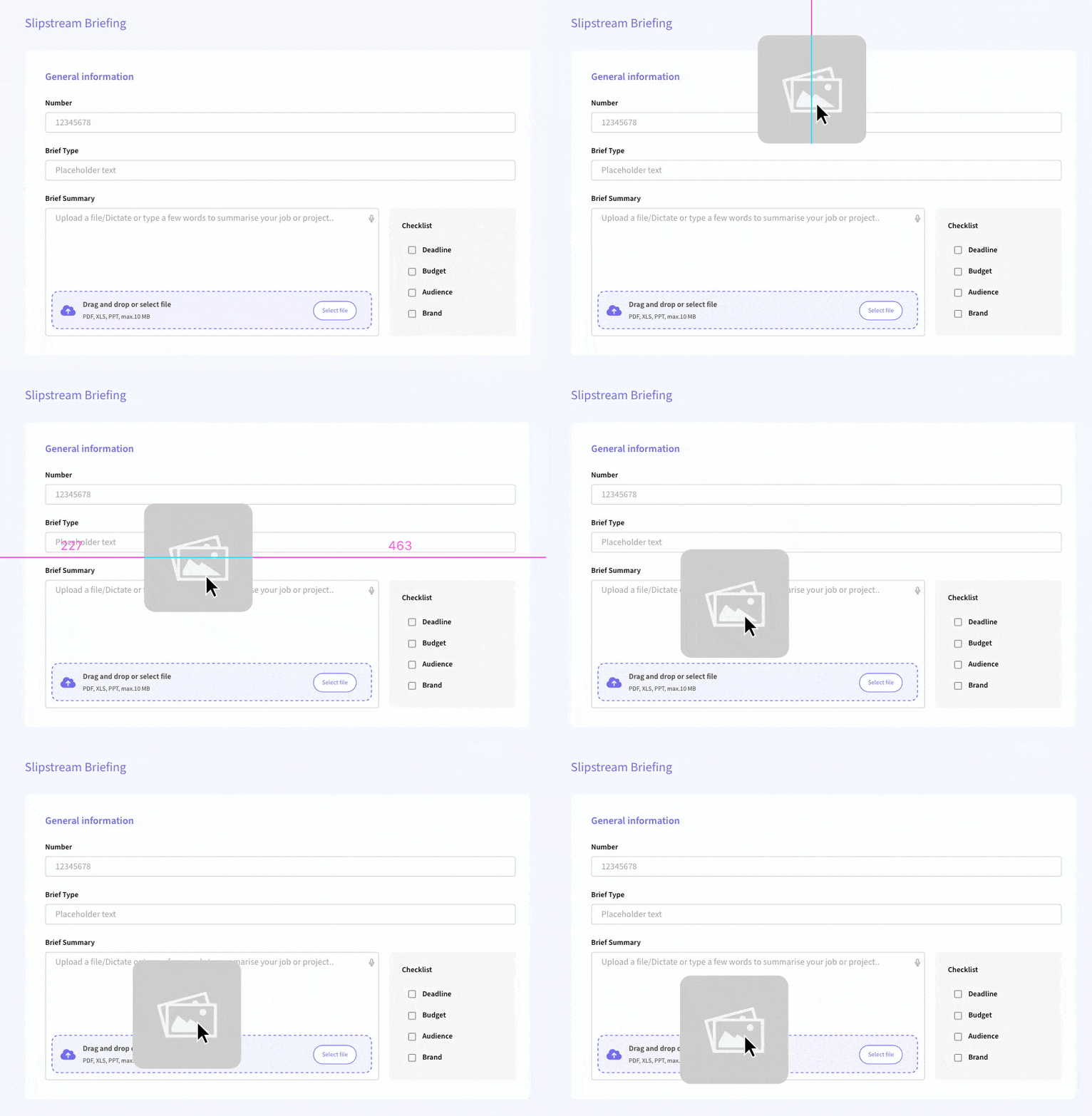
You can now drag and drop or upload JPEG, JPG, and PNG images, just like you already do with PDFs. Handy for briefs, visuals, and anything else you want the bot to “see.”
📦 Bigger input box
You now get six full lines in the chatbot’s input box.. so longer thoughts, better visibility, and fewer typos.
🔖 PDFs now show the full summary
If your brief has a long summary, the generated PDF now includes all of it. Nothing gets left out.
Library Assets
Smarter tagging with a little AI magic 📚
🏷️ AI-generated tags and descriptions are here
When pushing assets to the Library from Projects or elsewhere, the system can now auto-generate tags and descriptions. Saves time and makes those assets easier to find later. 🎉