
OMG Release notes - v7.185.0
✨ What’s New This Release
This release takes things up a notch with smarter briefs, faster admin workflows, and automated project organization. Slipstream now taps into your Asset Library and brief uploads to enrich your briefs with brand-approved insights, while admin tasks get easier with inline editing. Plus, deliverables are more organized than ever thanks to automated folder creation that saves setup time and keeps everything tidy.
💼 Slipstream - Smarter, richer briefs
Brief Enrichment from the Asset Library
When a brief heading or prompt includes a question that references a category in your Asset Library, Slipstream will now automatically retrieve the relevant information from documents within that category. Whether that’s approved calls-to-action, budget guidelines, or technical specs.
This keeps briefs accurate, brand-consistent, and helps catch potential issues upstream in the creative process.
Chat to Brief with Upload Support
The Chat to Brief functionality is now even more powerful. In addition to the brief's content and the main Asset Library, it can now query and reference information from documents uploaded directly to the Brief Assets area. Citations will clearly indicate the source of the information, whether it's from the "Current Brief," a document in the Asset Library, or a file attached directly to the brief.
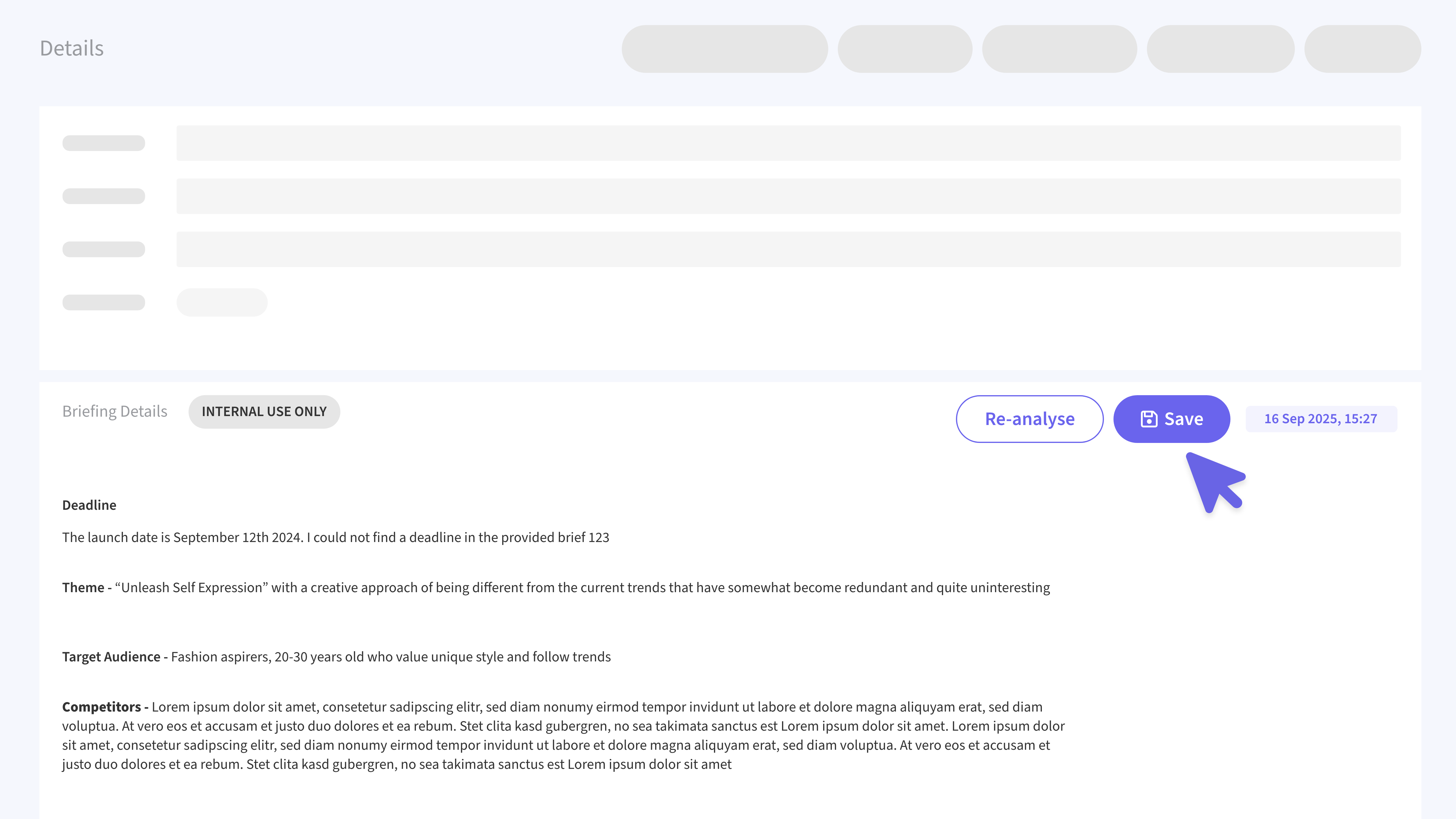
Save Internal Analysis
The "Internal Analysis" section at the bottom of a brief can now be saved. A new Save button will preserve any manual edits or re-analyzed content, ensuring it's available the next time you open the brief.
🛠️ Site Admin - Inline editing made easy
To make administration faster and more intuitive, we've introduced inline editing to key areas of the Site Admin section.
Templates
The "Agency" column is now visible in the list view and is editable directly from the grid, allowing you to associate templates with one or more agencies without leaving the page. Template names are also now inline-editable.
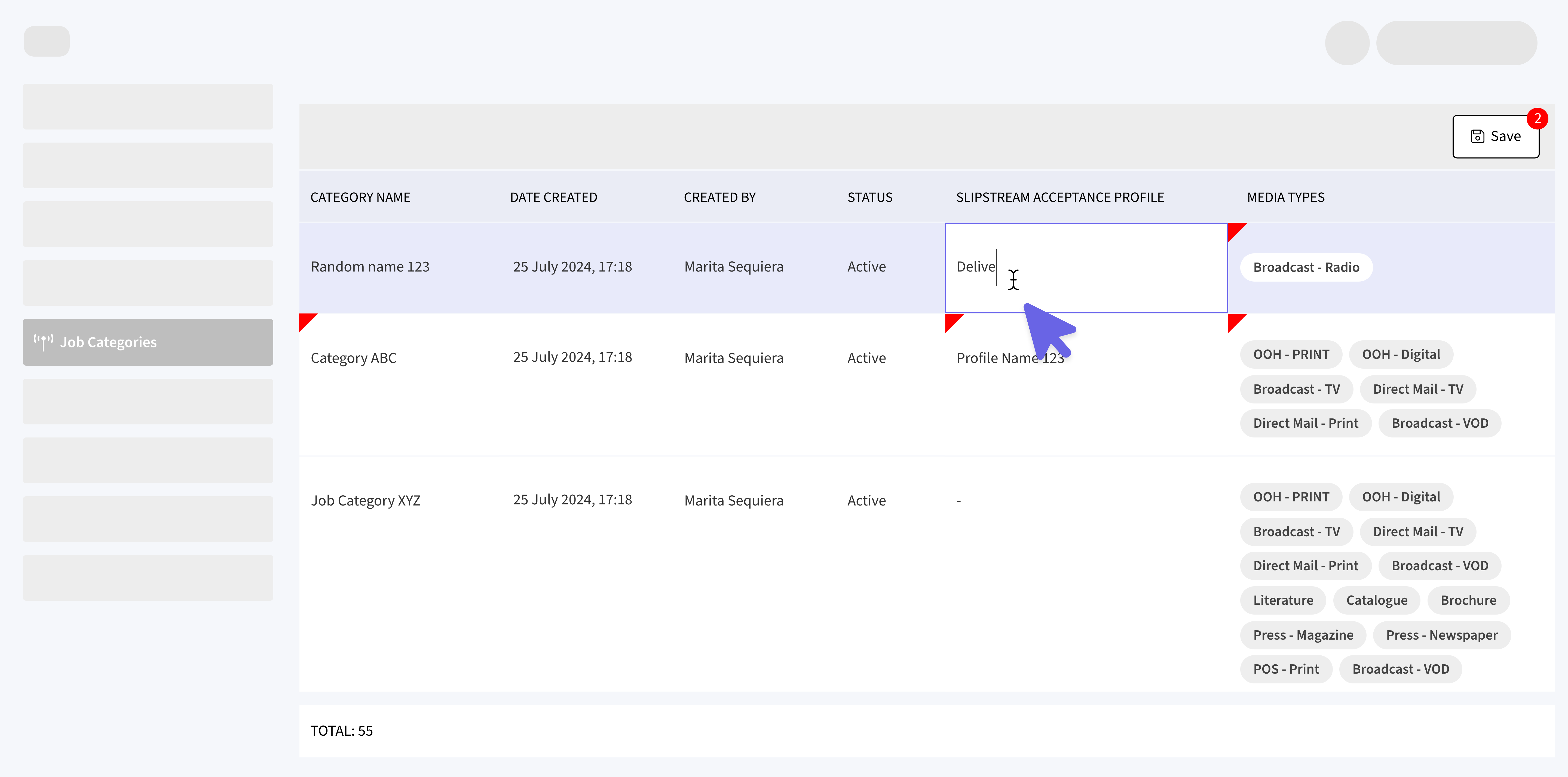
Job Categories
You can now directly edit the Name, Slipstream Acceptance Profile, and Media Types for each category from the list view. Faster setup, fewer detours.
📂 Deliverables - Automated Folder Creation
To streamline project setup and ensure consistency, we've introduced a new automation feature that automatically creates a predefined folder structure within a deliverable's assets based on its selected Job Category. Admins can configure folder templates for each category, and when a deliverable is created, the system automatically builds the matching folders and subfolders in its asset space.