
OMG Release notes - v7.188.0
✨ Release 188
In this sprint we have made several updates and enhancements in areas like Slipstream, Plans & tasks, Brief etc. We have aimed to improve user experience and functionality in OMG. Below is a detailed breakdown of all the major changes..
🧾 Slipstream
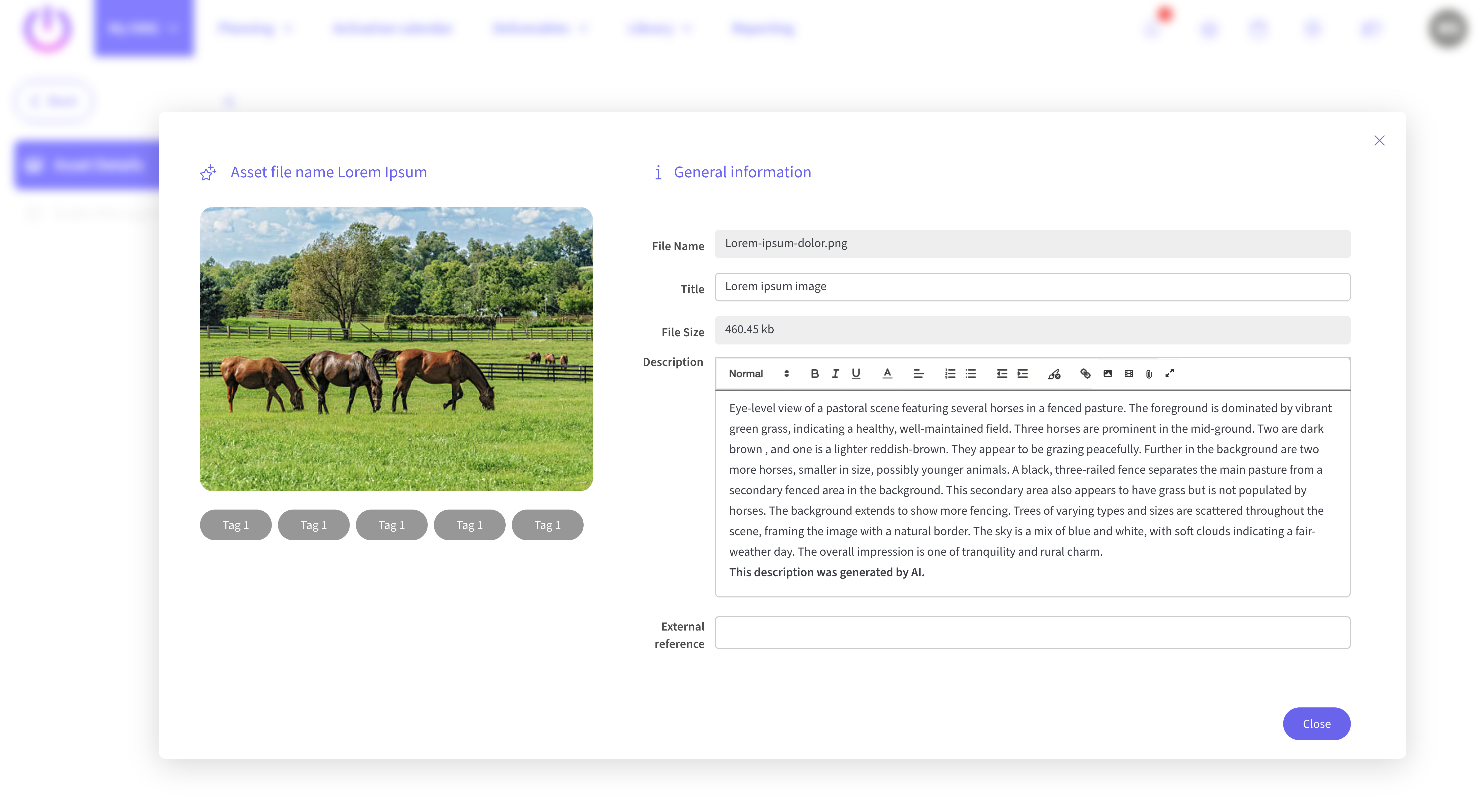
Enhanced Asset Details
The right-side panel now allows users to view detailed read-only information for assets they have access to, including asset images and free tags. Users can send an email or chat directly with asset owners for access requests.
Expired Assets Indicator
Assets that have expired are clearly flagged, and details are accessible for users with permission.
💼 My Briefs
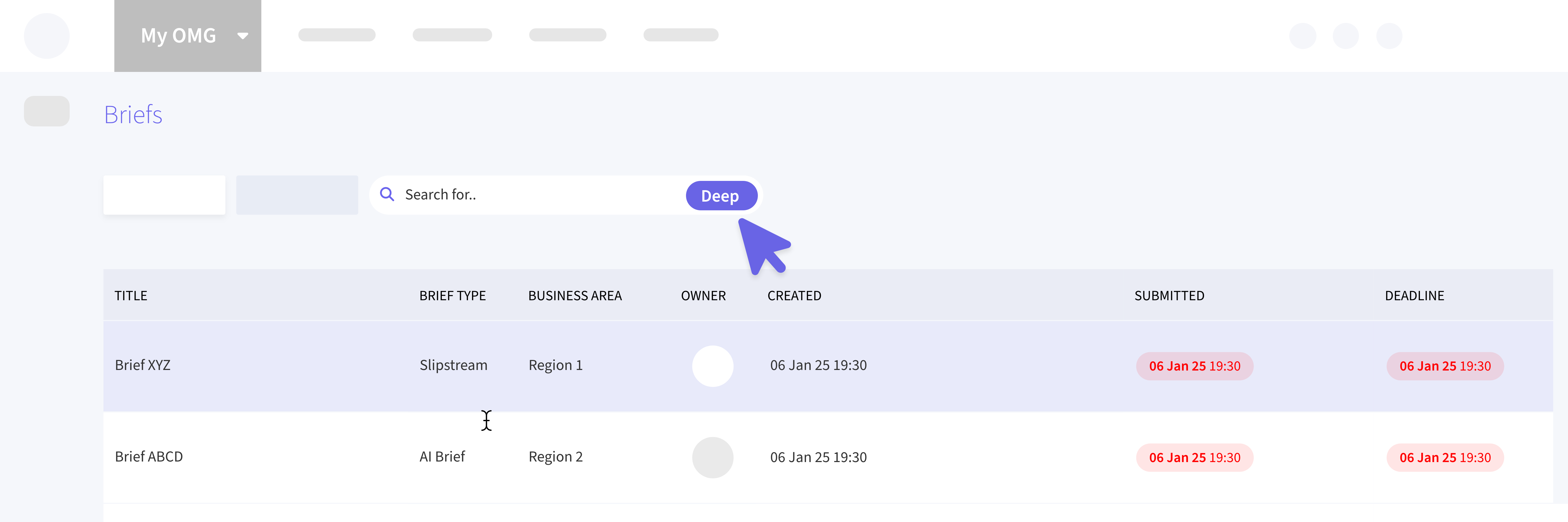
Improved Search with "Deep" Option
A toggle option is added to include all briefs in search results, helping users with broader access requirements like brand managers.
Editable List View
Brief fields, such as title and deadline, can now be edited directly in the list view for briefs in draft or change request states. This includes a save indicator for modified rows.
📅 Planning
Dynamic Attributes in List View
Users can now view and edit additional attributes for planning records directly from the list view. This supports multi-select fields and date fields with immediate saving of changes.
✏️ Creative Execution
Execution View Options
A toggle is introduced to switch between default gallery view and list view, offering flexibility in how creative executions are displayed.
📆 Plans and Tasks
Deliverables Link in My Tasks
Users can now log deliverable time directly from linked tasks for better integration and efficiency.
📦 Deliverables
Deep Search Functionality
Similar to briefs, a "deep" option is added in the deliverables search function for more comprehensive result sets.
📚 Library Assets
Status Filter
Introduced a dropdown to filter assets by status for more streamlined management.
🌍 Language Support
Japanese Language added
Full support for the Japanese language integrated across all navigation and interface elements.
🛠️ Admin and Configuration
User Management Enhancements
Admins can edit user information, including status and CMS involvement, directly in the Users list view.